Features · Blocks
Video
Put a video you uploaded right on the page, as a silent looping reel or a clip visitors play themselves.
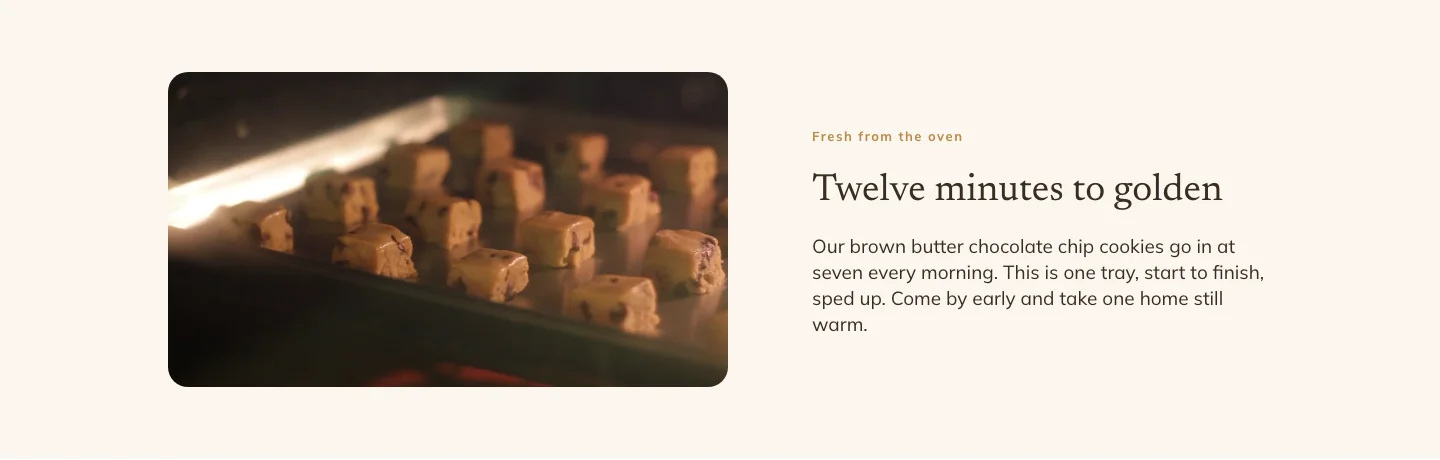
Upload a video and place it like a picture: next to your words or across a whole section. A new Video block starts as a reel that plays by itself, muted and on repeat, which suits a kitchen, a workshop or a product being made.
Upload, pick or paste
Upload an MP4 or WebM file up to 50MB, pick one you already uploaded, or paste the address of a video file. Want to show a YouTube or Vimeo video? Use the Embed block for those.
How it plays
Four switches decide it: Play automatically, Loop, Show controls and Sound on. A video that plays automatically always starts muted, because browsers will not autoplay sound, so Sound on is offered only for a video visitors start themselves. Controls show by default on a video that does not play by itself.
A poster before it plays
Choose a poster: the still picture people see before the video starts. Upload one, pick one from your media, or paste a link.
Size and place it
Set the width, max width, height and fit, and align it left, center or right, each one different on desktop, tablet and phone if you like. Round its corners or give it a border, the same as an image. It plays inside the page on phones instead of jumping to full screen.
Light and accessible
The video is plain page markup, so it plays on your published site with no extra script. A video set to play on click loads only enough to show its first frame until someone presses play. Add a label and screen readers announce it, or leave the label empty for a decorative loop.
Related features
- Gallery — Show a set of photos as a grid, a sliding carousel or a masonry wall, and let visitors click any photo to see it full size.